Português
 Español
 English

Direct answer
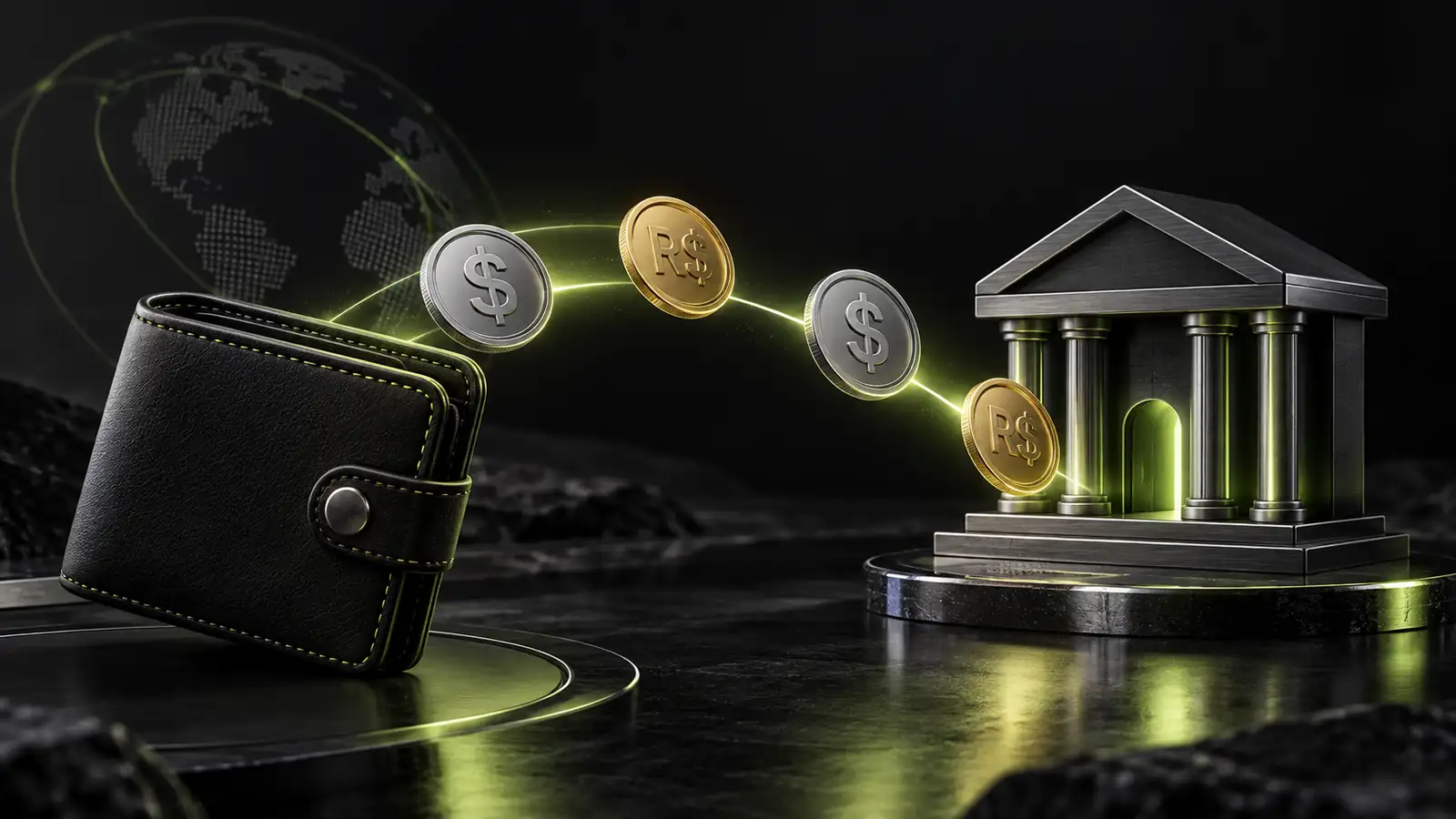
Sale happens in Mundpay checkout, data reaches CRM via webhook with name, email, value and source information. CRM deduplicates by email, creates or updates contact, triggers automation (access, welcome, WhatsApp). Support sees customer there with full history. Zero manual work. What data arrives is configurable; what automation triggers is too.
What checkout data needs to reach the CRM?
At minimum: name, email, phone, purchase value. Ideally everything you can use to segment, automate or understand who the customer is.
| Data | Why | Required? |
|---|---|---|
| Unique customer key, base for automation and deduplication | Yes | |
| Name | Personalization in email and WhatsApp | Yes |
| Phone | WhatsApp, SMS, direct contact | Recommended |
| Purchase value | Report, segmentation, customer history | Yes |
| Product bought | Know which offer converted, segmented support | Recommended |
| UTM source / campaign | Track which ad converted, ROI | Recommended |
| Country / IP | Multilingual support, tax, fraud detection | Recommended |
| Coupon used | Measure discount, validate promotion | Optional |
The more data the better, but start with three: email, name, value. You add the rest as you grow.
How does support see the customer purchase?
When the customer reaches out, support opens CRM, searches by email, and sees everything: purchase history, products accessed, automations triggered, last interaction. Without integration, support opens checkout dashboard, manually searches for the sale, reads value and date. Takes five minutes. With integration, it's all there, organized.
Good support starts there. Supporting a customer you can't see is guessing. Supporting a customer whose data you have is informed.
In CRM, the customer sits in this state:
- Lead. Visited page, entered list, but hasn't bought yet.
- Contact with sale. Purchased. Data reached CRM, ready for welcome or follow-up.
- Active customer. Purchased, accessed product, got follow-up.
- At-risk customer. Purchased but didn't access product in seven days, or deactivated automation.
Each state triggers a different support action.
What event triggers each automation?
Each sale state in checkout triggers a different automation in CRM. You configure what action fits each state.
Example flow:
- Sale approved. Checkout sends: name, email, value. CRM receives, creates contact, triggers: automatic access to members area, welcome email, WhatsApp message "welcome, click here to access".
- Sale denied. Checkout sends: email, reason. CRM receives, marks contact as "denied", triggers: email "try another method", five-minute delay, then: SMS with discount offer if you try again.
- Sale pending (Pix generated). Checkout sends: email, Pix code. CRM receives, triggers: WhatsApp with Copia e Cola key, thirty-minute delay, then: SMS reminder, 24h delay, then: final notice email.
- Refund requested. Checkout sends: email, reason. CRM receives, triggers: access blocked in members area, refund confirmation email, feedback survey "why did you request refund?".
Each operation has different priorities. You decide which flow works.
We see our customers as invited guests to a party, and we are the hosts. It is our job every day to make every important aspect of the customer experience a little bit better.
How do I avoid duplicate data between tools?
Use email as unique key. When checkout sends data to CRM, CRM validates: does this email already exist? If yes, updates. If no, creates new.
Example:
- Customer 1 buys course A: email joao@email.com goes to CRM, creates new record.
- Customer 1 buys course B two months later: same email joao@email.com goes to CRM, updates existing record, now with two purchases.
- Result: one record for João with full history. No duplication.
This works in any modern CRM that has webhook integration. ActiveCampaign deduplicates. Any CRM that processes webhook deduplicates if you configure with email as key.
Where duplicates commonly happen: when integration is manual (someone copies data by hand) or when configuration uses wrong field as key (customer ID instead of email). With automatic webhook, it's rare.
How to connect the three tools in practice?
Step 1: Choose a CRM that integrates with webhook. Mundpay has integration with ActiveCampaign and BotConversa. Any other CRM can integrate via generic webhook (Zapier, Make, or manual configuration). Confirm with vendor that it processes webhook from payment gateway.
Step 2: In Mundpay panel, configure webhook for your CRM. Look for specific integration (for example, Mundpay + ActiveCampaign integration if you use ActiveCampaign) or use generic webhook if CRM doesn't have native integration.
Step 3: Configure in CRM what action triggers for each sale state. Sale approved = send welcome email, trigger WhatsApp, release access. Sale denied = send alternative payment offer. Everything in CRM itself.
Step 4: Test with a real or test purchase. Validate that data reached CRM, that customer was deduplicated, that automation triggered.
The typical roadmap is: Mundpay in production > Webhook configured > CRM receiving data > Automations enabled. Costs the integration time, zero code if you use generic webhook.
Users spend most of their time on other sites. This means that users prefer your site to work the same way as all the other sites they already know.
Where does Mundpay enter the total integration?
Mundpay sends data via webhook in real time when it approves the sale. Checkout takes customer data, approves transaction, sends to webhook (seconds later), webhook reaches CRM, CRM triggers automation, customer already has access and got welcome WhatsApp. Mundpay centralizes: checkout, gateway, data. CRM does: automation, support, segmentation. No duplication, no delay.
Sources consulted
- Integration structure between payment gateway and CRM in digital product operation: based on standard flow of checkout integrated with ActiveCampaign, BotConversa and generic webhook.
In summary: How to integrate checkout, CRM and support
- Sale in checkout sends data (email, name, value) to CRM via webhook in seconds.
- CRM deduplicates by email, creates or updates contact, triggers automation (access, message, follow-up).
- Support sees full customer in CRM: history, state, triggered automations.
- Use email as unique key to avoid duplication.
- Configure what automation triggers for each sale state (approved, denied, pending, refunded).
Frequently asked questions
What checkout data needs to reach the CRM?
Name, email, phone and purchase value are the minimum data. Ideally, also source (utm_source, utm_campaign), product bought, coupon used, IP address and buyer's country. All this lets support or manager see who the customer is and what context they bought in.
What is the difference between CRM and members area?
Members area is where the customer gets the product (course access, content, community). CRM is where you put customer data for automation and support (scheduling, follow-up, recovery). Integrated, customer buys, gets access in members area and you see them in CRM to make contact.
How do I avoid duplicate data between checkout, CRM and support?
Use email as unique key. Checkout sends email to CRM, CRM validates if email already exists. If yes, updates existing record. If no, creates new. So a customer who buys twice doesn't create two records.
What is the ideal time between sale approved and customer seeing they purchased?
Between two and ten seconds. Checkout approves, sends notification to CRM (two seconds), CRM triggers automation for access or welcome message (four seconds). By ten seconds max, customer already has what they bought. Beyond that, triggers support call and chargeback risk.
What event triggers each CRM automation?
Sale approved triggers: product delivery, welcome, data confirmation. Sale denied triggers: offer alternative payment, cart recovery. Refund triggers: access cancellation, confirmation message. Each sale state in checkout can trigger a different CRM automation.