Português
 Español
 English
Direct answer
Direct answerApple Pay and Google Pay work when they eliminate typing while keeping context, currency, and trust intact on the buyer's phone.
Why does a wallet reduce mobile friction?
A wallet stores protected data on the phone and removes typing fields. On mobile, the effect amplifies because keyboards and app switching boost abandonment rates. That reduction matters because the buyer experiences the full journey, not one isolated feature. A wallet button that works but shows the wrong currency or has a broken layout just moves abandonment elsewhere, it does not eliminate it. An English checkout for a Spanish buyer expecting Spanish creates doubt, not comfort.
Set up wallets correctly by choosing one country for your first test. Enable the wallet in your checkout, track conversions and abandonment in that market for two weeks, separate results by device, and log every change you make to the page or offer. The metric that matters is how many wallet taps became approved purchases, not how many buyers saw the button.
In which countries do wallets matter most?
Importance depends on iPhone or Android penetration, browser version, bank token availability, and whether buyers in that country actually use wallets. No fixed list says "use Apple Pay in the US, skip it in Mexico." The pattern varies by country, carrier, and even hardware generation. Global adoption studies cover regions, but your specific operation needs data from your own customer base.
Start with the country that drives your highest mobile sales. Compare this: buyers with iPhones in that market, what was conversion when they saw the wallet? Compare that to buyers who did not see it in the same period. If the difference is under 2 percentage points, it is statistical noise. If it is clear, allocate budget to roll out in other markets with similar demographics.
Do wallets change fraud risk?
Wallets add device-level authentication and encryption, but do not eliminate risk scoring, issuer declines, or chargebacks. The security layer is different, but accountability is the same. A fraudulent purchase that passes a wallet can still come back as a chargeback if the buyer disputes it. Wallets do not reduce fraud, they reduce friction. Those are two separate things.
Test with small budget and a fixed timeline. Reserve USD 500 in ad spend, run for five days, and capture approval, chargeback, and dispute data for that period. If chargebacks spike above 1%, investigate whether the wallet attracted a different audience or something in your checkout confused buyers. Do not change price, messaging, or offer during this test, or you will not know which variable affected the result.
What should be checked for a wallet to appear?
Apple requires HTTPS, domain configuration, and Safari on iOS or Chrome on Android. Google Pay needs the Google Pay SDK integrated, an eligible country, and a supported browser. If all technical boxes are checked but the wallet does not show, the reason is usually that the local bank does not support it yet, the device is too old, or the country is not listed as eligible. Some smaller regional banks only add wallet support after seeing volume, so a rollout that worked well in year 2 may have been invisible in year 1.
Make a real test purchase using your own card and your own phone in the target country. Note every step: does the wallet button appear? Does it show the right currency? Does it ask for a PIN or biometric? Does the confirmation email label the method as "Apple Pay" or "card"? Can the customer find that purchase later in their transaction history? These small confusion points often show up in unexplained abandonment that nobody can diagnose.
Where does Mundpay fit in?
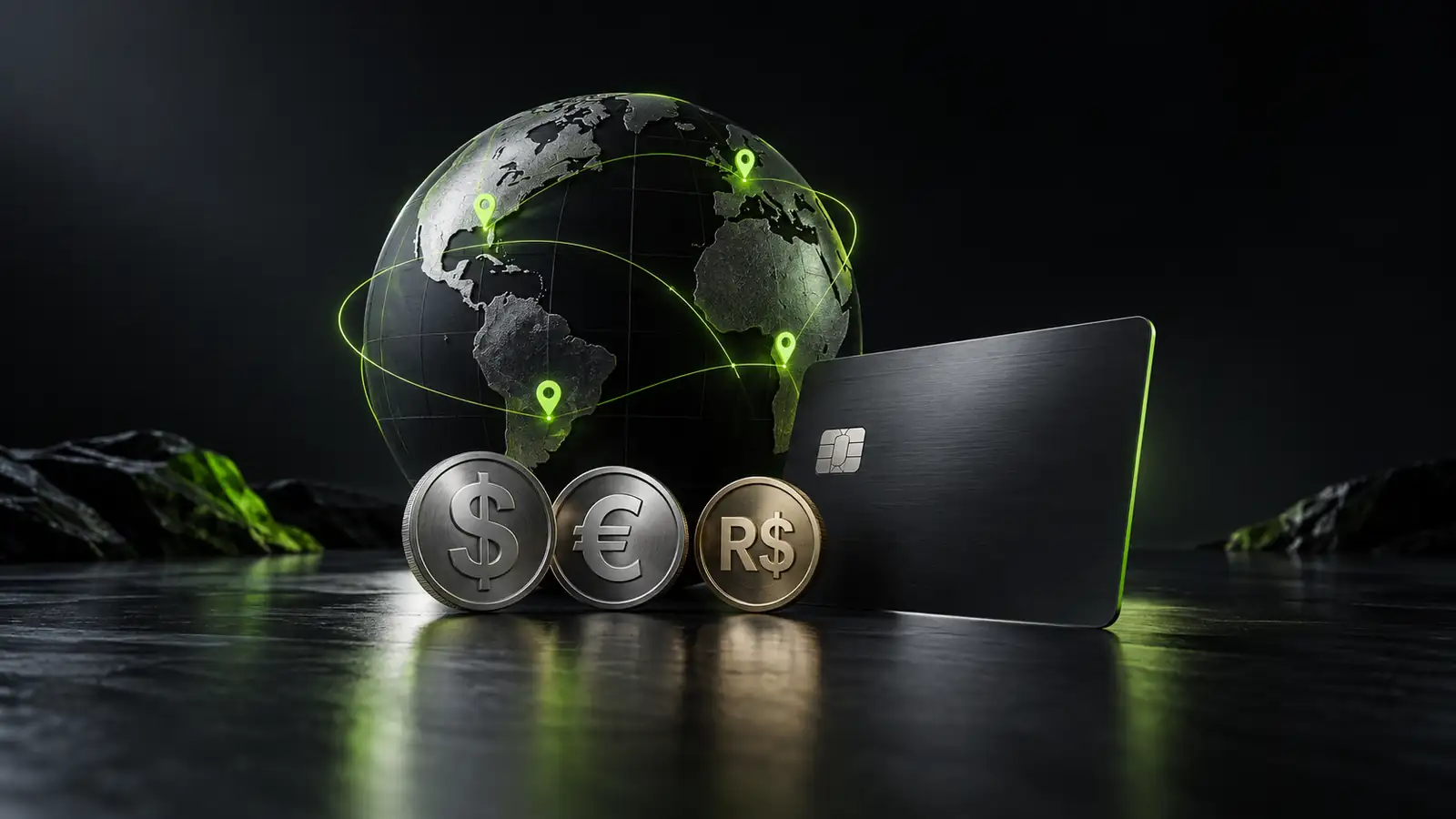
Mundpay offers Apple Pay and Google Pay across 190 countries with localized interface by IP and local currency conversion in checkout. That solves the two biggest implementation problems: the buyer sees their language and their currency, which cuts confusion. The wallet button displays and works when the browser, device, and local bank support it.
How much traffic reaches checkout but fails to convert depends on the local payment methods available. The loss accelerates when wallets are missing. Wallets by country and market research help quantify the opportunity cost, so you know where to prioritize implementation.
Sources reviewed
In summary: Apple Pay and Google Pay at checkout: when they work
- Digital wallets reduce typing on mobile, where keyboards and app switching raise abandonment.
- Importance varies by country. You need data from your own customer base to decide where to implement.
- Wallets add security, but do not eliminate fraud risk. Test with controlled budget before scaling.
- Implementation requires HTTPS, domain setup, and support from the buyer's bank and browser.
Frequently asked questions
Why does a wallet reduce mobile friction?
A wallet stores protected data on the phone and removes typing fields. On mobile, the effect amplifies because keyboards and app switching raise abandonment. Map the baseline and test in one market.
In which countries do wallets matter most?
Importance depends on iPhone or Android penetration, browser version, local bank support. No fixed list exists. Start with your highest mobile-sales country and compare conversion with and without the wallet visible.
Do wallets change fraud risk?
Wallets add device-level authentication but do not eliminate chargeback risk. Testing with a small budget for one week is essential before expanding to larger campaigns.
What should be checked for a wallet to appear?
Apple requires HTTPS and domain configuration. Google Pay needs the SDK integrated and an eligible country. If those are met but the wallet does not show, the local bank likely does not support it yet or the browser is too old.
Does Mundpay support Apple Pay and Google Pay?
Yes. Both wallets are live in 190 countries with language and currency translation built in.