

 Português
 Español
 English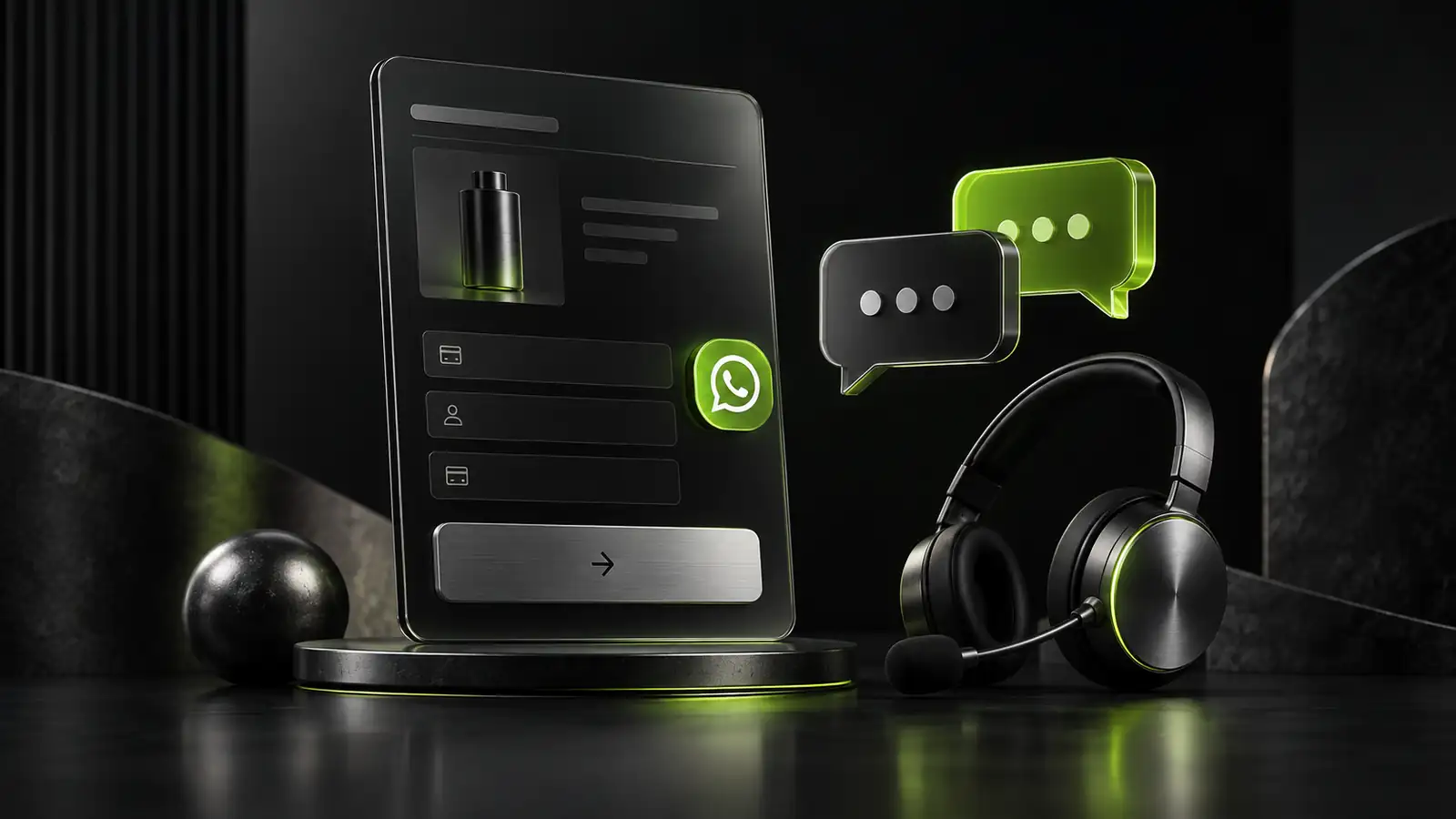
Quick answer
Now it's even easier to connect your customers to your support.
WhatsApp button in the checkout?
Now it's even easier to connect your customers to your support.
Through the checkout customization area, you can already add a floating WhatsApp button directly to the payment page, with your support number from your operation.
The feature can be activated or deactivated at any time, in a simple and quick way.
How to activate:
Go to the Products menu
Select the desired product
Click on the Checkouts tab
In the checkout you want to edit, click Customize
Go to the Payments section
Activate the Display WhatsApp option
Enter your support WhatsApp number from your operation
Save the changes
After that, the button will appear floating on your checkout, making it easier for the customer to contact your support.
Benefits of the feature:
More proximity with the customer at the time of purchase
Support channel visible and accessible on the checkout
More convenience for operations that want to offer direct support
Updated on: 26/03/2026

At checkout, every extra field is one more chance to lose the sale. What looks like a layout detail usually moves more revenue than a new campaign.
Wellington CostaGlobal Payments Specialist
In short
WhatsApp button in the checkout: Now it's even easier to connect your customers to your support.